 df735aa279
Previously POST returned only { id, name }, while GET returns
{ id, name, state, lastOutputAt }. iOS clients that share a Decodable
for both endpoints (e.g. SessionItem in pi-remote-ios) failed to decode
the POST response with 'data couldn't be read because it is missing'.

The new session always starts in 'idle' state with empty lastOutputAt.
Documented the new shape in the route header comment.
|
||
|---|---|---|
| .husky | ||
| assets | ||
| docs | ||
| extensions/remote-control | ||
| scripts/smoke | ||
| .gitignore | ||
| LICENSE | ||
| Makefile | ||
| README.md | ||
| biome.json | ||
| package-lock.json | ||
| package.json | ||
| tsconfig.json | ||
README.md
pi-remote-control
A pi extension that exposes running sessions over WebSocket — used today
as a browser-based remote control, and the foundation for a native iOS app
currently in development.
Disclaimer
Personal use and research only. Provided as-is, no liability for damage, misuse, or operational consequences. See Security notes.
Current state: browser client
The extension ships a working HTML/WebSocket client that mirrors a pi session in any browser — including iPhone Safari.
Install
pi install git:git.vpsj.de/jay/pi-remote-control
Usage
Run /remote-control inside pi to open the menu:
- Turn on / Turn off — start or stop the server
- Configure URL — set the base URL for your tunnel or proxy
- Status — show the QR code and current session URL
To start the server automatically:
pi --remote-control
The server binds to 127.0.0.1 and is reached through a local tunnel
(e.g. Surge Ponte, Tailscale). Open the QR URL in any browser.
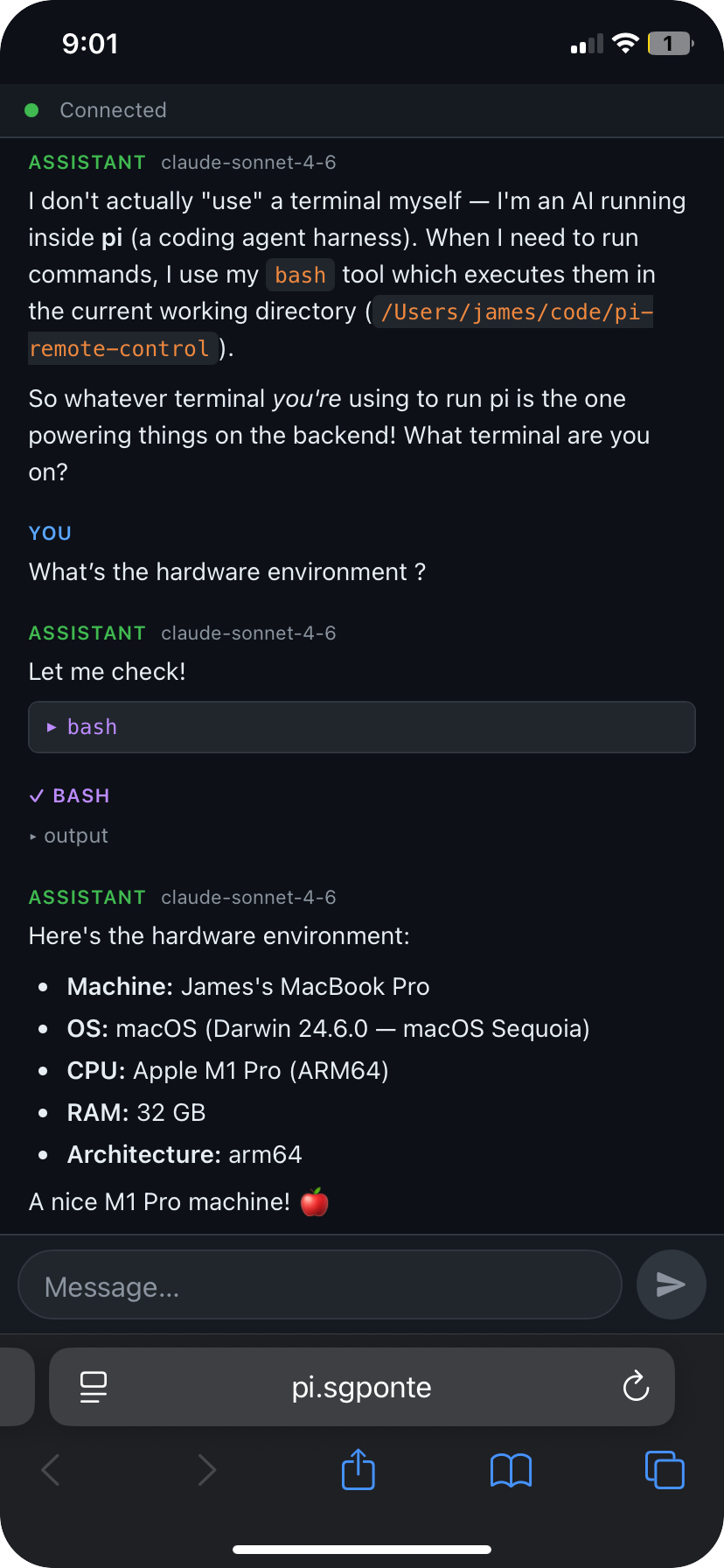
In development: native iOS app
A native iOS app is being built on top of this extension's WebSocket infrastructure. Design goals:
- Byte-exact mirror of the terminal session — what you see over SSH is what you see on the phone, rendered via SwiftTerm.
- Session persistence — sessions run for days, the app reconnects instantly after backgrounding (< 1s, via sequence-cursor delta replay).
- Multi-session — spawn, name, and switch between pi sessions from the phone as easily as browser tabs.
- Pi-aware augmentation — modifier bar tuned for pi (Ctrl, Esc, Tab, arrows, Shift+Enter), slash-command palette, status bar showing what pi is currently doing, push notifications when pi is waiting for input.
- QR pairing — scan once, self-signed TLS + token pinned automatically.
Architecture (in progress)
pi (Ink TUI) ◄──► tmux session ◄──► SSH (Mac terminal)
                       │
                  tmux -C (control mode)
                       │
               pi-remote sidecar (this extension, extended)
                       │ wss:// (binary ANSI + JSON side-channel)
                       ▼
               iOS app (SwiftUI + SwiftTerm)
Streaming uses tmux control mode (tmux -C) rather than pipe-pane —
verified reliable across alternate-screen transitions in a PoC spike.
Implementation docs
All planning and coordination lives in docs/:
| File | Purpose |
|---|---|
docs/NEXT-STEPS.md |
Current state + what to do next |
docs/PHASE-1-sidecar.md |
Sidecar production-ready |
docs/PHASE-2-ios-mvp.md |
iOS app MVP |
docs/PHASE-3-ios-augmentation.md |
iOS polish features |
docs/SYNC.md |
Multi-agent coordination |
docs/reference/SPEC-ios-app.md |
Full feature spec (v3) |
Running pi-remote as a sidecar (Phase 1)
All Phase 1 sidecar modules are implemented. See the full Operator Guide for details.
Quick start
# Start pi with the sidecar auto-enabled
pi -e extensions/remote-control --remote-control
# → Remote-control started: http://127.0.0.1:7777/?token=<TOKEN>

# Create a tmux session
curl -s "http://127.0.0.1:7777/sessions?token=<TOKEN>" \
  -X POST -H 'Content-Type: application/json' -d '{"name":"work"}'

# Stream output via wscat
npm install -g wscat
wscat -c "ws://127.0.0.1:7777/sessions/work/stream?token=<TOKEN>"
# → send: {"type":"resume","lastSeq":null}

# Send a keystroke
curl -s "http://127.0.0.1:7777/sessions/work/input?token=<TOKEN>" \
  -X POST -H 'Content-Type: application/json' -d '{"type":"keys","data":"ls"}'

# Pair the iOS app (generates QR code)
node extensions/remote-control/cli/index.js pair
What's implemented
| Module | Files |
|---|---|
| Server scaffold | server/server.ts, server/upgrade.ts, server/types.ts |
| tmux control-mode | tmux/manager.ts, tmux/control.ts, tmux/input.ts, tmux/snapshot.ts |
| Disk ring-buffer | buffer/writer.ts, buffer/reader.ts, sequence.ts |
| Auth + pairing + TLS | auth/tokens.ts, auth/pairing.ts, auth/tls.ts |
| pi adapter | pi/events.ts, pi/commands.ts, pi/autoname.ts |
| REST routes | server/routes/{sessions,commands,health}.ts |
| WS routes | server/routes/{stream,side}.ts, server/upgrade.ts |
| APNs scaffold | apns/push.ts |
| CLI | cli/index.ts (pair, auth list/create/revoke/name) |
Security notes
- The server only listens on localhost. Remote access depends on your tunnel.
- No multi-user authentication. The connection URL is a per-session secret.
- iOS app (in development) uses bearer tokens stored in the iOS Keychain, self-signed TLS with fingerprint pinning via QR pairing, and optional Face-ID gate — no CA or public PKI required.
- If using a reverse proxy, terminate TLS there and do not expose the dynamic backend port directly.